
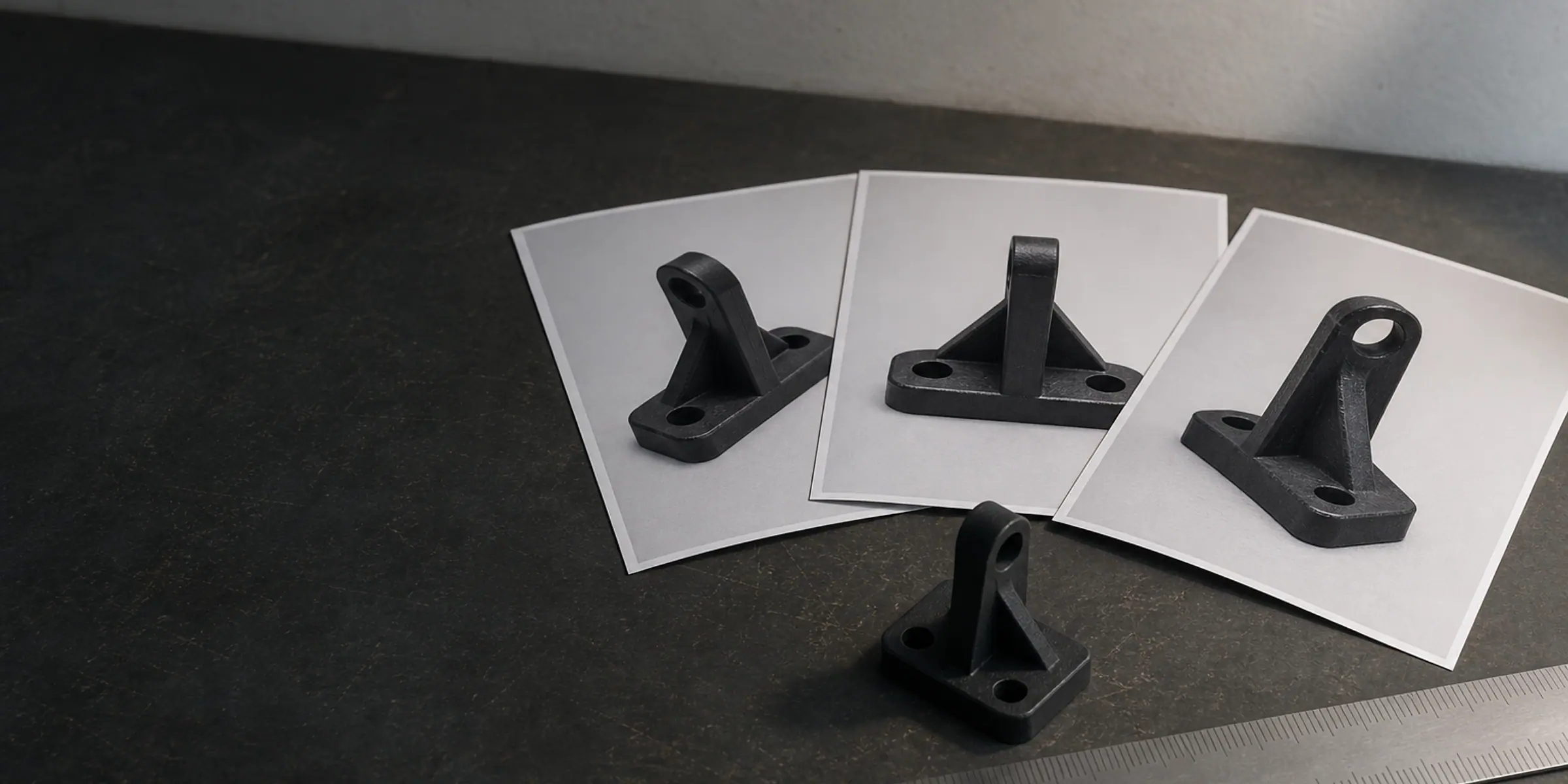
Custom 3D Modeling for 3D Printing
Tell Us What You Have. We Will Tell You What It Costs.
Your enquiry does not need to be complete, tidy or technical. Send a photo of the part, a sketch with a few dimensions on it, a broken component, an existing STL, or a sentence describing what the thing has to do — that is enough for us to start. You do not need to own a CAD file, a scanner or any design software before you write to us. We look at what you send, say plainly whether it can be modelled from, list any measurements that are still missing, and quote the project. If you also want the part printed, that is quoted as a separate line, so you can decide later.
What do you have?
Tell Us What You Have. We Will Tell You What It Costs.
You do not need a CAD file to start. Tell us what you have and send whatever you can — we will tell you what is missing.
Contact: [email protected]
Your enquiry is ready. Send it through WhatsApp or email — whichever you prefer. Nothing is stored on this website.
How the finished files are delivered
SwissTransfer is our default for a larger final package: we create a download link and send it to you from [email protected]. You do not need a SwissTransfer account to download the files. Download the package promptly and keep your own backup, because transfer links are temporary.
If another service is easier for your team, we can also use Google Drive, OneDrive, Dropbox or WeTransfer. Google Drive, OneDrive and Dropbox are useful when a project needs a shared folder or a longer-lived working copy; WeTransfer is convenient for a smaller one-off package.
- SwissTransfer — our first choice for large one-off model deliveries.
- Google Drive, OneDrive or Dropbox — useful when you already work in one of those accounts.
- WeTransfer — a familiar backup option for smaller packages.
Frequently asked questions